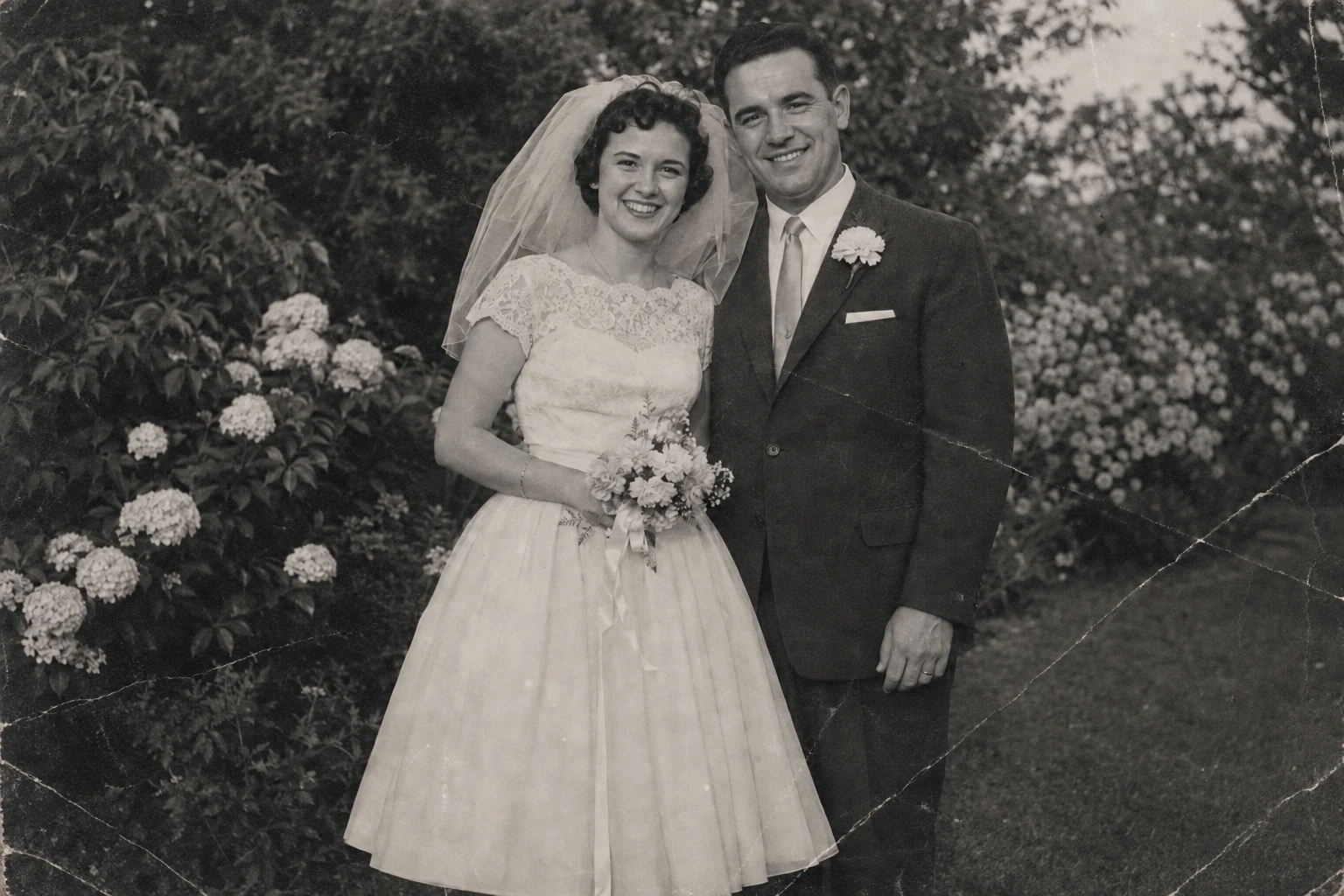
How to restore old photos on your iPhone
A thoughtful, practical guide to turning a faded print into a digital photo you can keep and share.
 The PicRenew team··4 min read
Start with a photo that means something: a parent as a child, a summer holiday, an ordinary afternoon. You don’t need to know photo-editing software to make a useful restoration. You do need a good digital copy and a careful look at the result.
1. Give the original a good start
Place the print on a flat surface in soft, even daylight. Keep your phone parallel to it and avoid casting a shadow. Turn off the flash if it creates reflections. Take a few versions and zoom in: a steady, well-focused image is a better starting point than a dramatic angle.
If you already have a scan, use that file instead of a screenshot from a messaging app. Crop out the tabletop, but leave the entire photograph in the frame. Don’t cut or alter the physical original.
2. Choose a look in PicRenew
Open PicRenew and upload your image. Use Crop Photo if the borders distract from the picture. Choose Balanced for a general starting point, Precision when you want to explore detail, or Natural for a realistic look. These are different approaches, not guarantees of a particular result.
For a black-and-white photo, try automatic color hints or write what you know yourself. A short note such as ‘blue dress, dark brown hair’ is more useful than asking for everything to look perfect.
3. Look closely before you save
Compare the original and the restored version. Look at eyes, hands, jewelry and background details. Does the person still look like themselves? If the result looks too different, try another style or a better source photo. AI can infer details that weren’t visible in the original.
4. Keep the story with the picture
Save the version you like to Photos or the app gallery. Keep your original file separately. A useful name might include the people, place and approximate year. Share the picture with a relative who can help fill in the story, and keep another copy somewhere separate from your phone.
Further reading
Start with the photo you’ve always wanted to see clearly again.